

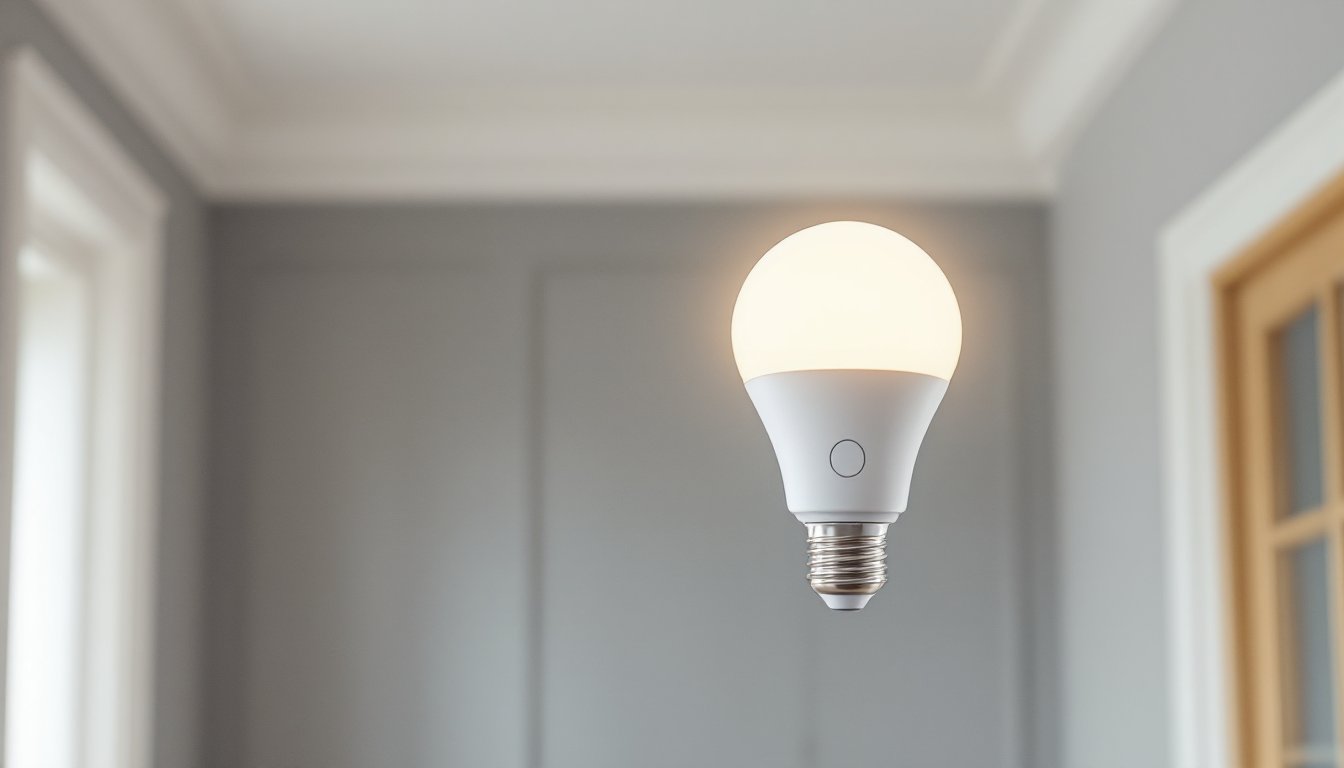
Motion sensor smart light bulbs combine passive infrared (PIR) detection with LED technology and wireless connectivity to automate lighting based on occupancy. Unlike standard smart bulbs that require manual control via app or voice command, these bulbs switch on when movement is detected within their sensor range, typically 15 to 30 feet, and shut off after a preset period of inactivity. They’re increasingly common in hallways, closets, garages, and entryways where flipping a switch isn’t always convenient. This guide walks through how they work, where they shine brightest, and how to choose and install the right model for your home.
Table of Contents
ToggleKey Takeaways
- Motion sensor smart light bulbs use passive infrared (PIR) detection to automatically turn on when movement is detected and off after inactivity, reducing electricity consumption by 30 to 40 percent in frequently used areas.
- Installation is a simple DIY process requiring no wiring or electrician—just screw the motion sensor smart light bulb into any standard socket and configure settings via a smartphone app.
- Ideal applications include hallways, closets, garages, bathrooms, basements, and outdoor entryways where hands-free activation improves convenience and accessibility for all household members.
- Choose bulbs based on lumens output (800 for general use, 1,200+ for garages), color temperature (warm for living spaces, cool for task areas), and connectivity protocol (Wi-Fi, Zigbee, or Bluetooth).
- Always leave the wall switch in the on position for motion sensor bulbs to function, avoid dimmer switches, and test detection sensitivity to prevent false triggers from pets or passing vehicles.
What Is a Motion Sensor Smart Light Bulb and How Does It Work?
A motion sensor smart light bulb integrates three core components into a single E26 or E27 Edison screw base: an LED lamp, a passive infrared (PIR) sensor, and a wireless radio (usually Wi-Fi, Zigbee, or Bluetooth). The PIR sensor detects changes in infrared radiation, essentially body heat moving across its field of view. When motion crosses the detection zone, the bulb’s onboard processor triggers the LED to illuminate.
Most models allow users to adjust sensitivity, timeout duration (how long the light stays on after motion stops), and lux threshold (whether the bulb activates only in low-light conditions). These settings are typically configured through a companion smartphone app, though some bulbs include physical switches or dials on the base.
Unlike dedicated motion sensors wired into a home’s electrical system, which often require a neutral wire and sometimes a permit for installation, these bulbs screw into any standard socket. That makes them a true DIY retrofit with zero wiring or electrical panel work. The trade-off is that the bulb must remain powered at the switch: if someone flips the wall switch off, the motion sensor won’t function.
Some advanced models link to broader smart home ecosystems (Amazon Alexa, Google Home, Apple HomeKit) and can trigger automation routines. For example, motion in the garage might also unlock the door, or movement in a hallway at night could dim bedroom lights automatically.
Key Benefits of Installing Motion Sensor Smart Bulbs in Your Home
Energy savings top the list. According to Digital Trends, automated lighting can reduce electricity use by 30 to 40 percent in frequently trafficked areas, since bulbs turn off reliably when rooms are unoccupied. Standard switches often stay on for hours after someone leaves.
Hands-free convenience matters most in rooms where fumbling for a switch is awkward, carrying laundry into a basement, entering a pantry with both arms full, or navigating a dark hallway at 2 a.m. Motion-activated bulbs eliminate that friction.
Enhanced home security is a side benefit. Lights that flip on when someone approaches a garage, porch, or side yard create the appearance of occupancy and deter opportunistic intruders. Paired with a security camera, motion lighting can also improve image quality in low-light conditions.
Accessibility is often overlooked. For elderly household members or anyone with mobility challenges, eliminating the need to reach for switches reduces fall risk and simplifies daily movement through the home.
Finally, scalability is straightforward. Unlike hardwired systems that require running cable and installing separate sensor modules, adding motion-activated lighting to a new room is as simple as swapping a bulb. No electrician, no drywall patching, no permits.
Best Rooms and Locations for Motion Sensor Lighting
Hallways and stairwells are ideal candidates. These transitional spaces see frequent but brief use, and leaving lights on wastes energy. Install bulbs at both ends of long hallways to ensure consistent detection.
Closets, especially walk-ins and pantries, benefit enormously. Entering with an armload of clothes or groceries makes switch access inconvenient, and motion sensors ensure the light is always ready. Verify your closet fixture isn’t on a dimmer: most motion sensor bulbs won’t function on dimmer circuits.
Garages and workshops work well, particularly if the entry door opens into a dark space. Position the bulb near the door so motion is detected immediately upon entry. Be aware that cold temperatures below 32°F can reduce battery life in any onboard backup systems and may slow response time in cheaper models.
Bathrooms present a mixed case. Motion sensors eliminate the need to touch switches with wet hands, but the auto-shutoff timer must be long enough to avoid lights cutting out mid-shower. Set the timeout to at least 10 to 15 minutes for full bathrooms. Powder rooms with shorter visits can use shorter timers.
Basements and attics are low-hanging fruit for retrofits. These spaces often have pull-chain fixtures or switches at the bottom of the stairs, making them frustrating to use. A motion sensor bulb at the top of the stairs solves the problem instantly.
Outdoor fixtures near entryways, porches, and driveways are logical spots, but confirm the bulb is rated for damp or wet locations if the fixture isn’t fully enclosed. Check the manufacturer’s IP rating, IP65 or higher is standard for outdoor use. Also verify that the bulb’s operating temperature range suits your climate: extreme heat or cold can affect sensor accuracy.
How to Choose the Right Motion Sensor Smart Light Bulb
Start with lumens, not watts. A 60-watt incandescent equivalent delivers around 800 lumens, suitable for most residential applications. Hallways and closets can often get by with 400 to 600 lumens, while garages and outdoor fixtures may need 1,200 lumens or more.
Color temperature matters for ambiance and function. 2,700K to 3,000K (warm white) suits living spaces and bedrooms, while 4,000K to 5,000K (cool white or daylight) works better in garages, workshops, and task-oriented areas. Some bulbs offer tunable white, letting you adjust color temperature via app.
Detection range and angle determine coverage. Most PIR sensors cover a 120 to 180-degree arc and detect motion up to 20 to 30 feet away. Narrow hallways need less range: open garages or basements benefit from wider detection zones. If your space exceeds the bulb’s range, consider installing two bulbs or adding a dedicated motion sensor.
Connectivity protocol impacts compatibility and reliability. Wi-Fi bulbs connect directly to your home network and work with most voice assistants, but they add load to your router and can be finicky if your Wi-Fi is unstable. Zigbee and Z-Wave bulbs require a hub (like SmartThings or Hubitat) but create a mesh network that’s often more reliable and doesn’t tax your router. Bluetooth bulbs are the simplest but lack remote control when you’re away from home.
Adjustability is crucial. Look for bulbs that let you tune sensitivity (to avoid false triggers from pets or passing cars), timeout duration (from 30 seconds to 30 minutes), and lux threshold (so the light doesn’t activate in daylight). Some models let you schedule these settings, for example, shorter timeouts during the day, longer at night.
Finally, check fixture compatibility. Fully enclosed fixtures trap heat, which shortens LED lifespan. If your fixture is enclosed (common in outdoor porch lights and some bathroom vanities), confirm the bulb is rated for enclosed use. Recessed cans and open fixtures are generally fine.
Installation and Setup: A Simple DIY Guide
Safety first: Turn off power at the wall switch, or better yet, flip the circuit breaker for that room. Use a non-contact voltage tester to confirm the fixture is dead before touching the socket.
Step-by-step installation:
- Remove the old bulb. If it’s still hot, wait a few minutes. Grasp the base, not the glass, and turn counterclockwise.
- Inspect the socket. Look for corrosion, loose contacts, or charring. If the socket is damaged, replace it before installing a new bulb. Most sockets are held in place by a brass screw shell: turn counterclockwise to remove.
- Screw in the motion sensor bulb. Turn clockwise until snug, don’t overtighten, as this can crack the base or damage the socket threads.
- Restore power. Flip the switch or breaker back on. The bulb should flash or glow briefly as it initializes. Some models enter pairing mode automatically: others require you to flip the switch off and on three times in quick succession.
- Download the companion app. Most bulbs use proprietary apps (check the packaging or QR code). Follow the in-app pairing process, which typically involves connecting your phone to the bulb’s temporary Wi-Fi network, then linking it to your home network.
- Configure settings. Set your preferred sensitivity, timeout, and lux threshold. Test by walking in and out of the room at different angles to ensure the sensor detects motion reliably. Adjust sensitivity if the bulb triggers too easily (pets, passing cars) or not enough (far corners of the room).
- Integrate with smart home systems (optional). If your bulb supports Alexa, Google Home, or HomeKit, link it through the respective app. This enables voice control and lets you build automation routines.
Common setup mistakes: Don’t install motion sensor bulbs on dimmer switches, most won’t work, and some will be damaged. Don’t place them in fixtures controlled by motion-sensing wall switches: the two sensors will conflict. And don’t forget to leave the wall switch on at all times, or the bulb can’t detect motion.
Common Issues and Troubleshooting Tips
Bulb won’t pair or connect. Confirm your router broadcasts a 2.4 GHz network: many smart bulbs don’t support 5 GHz. Move your phone closer to the bulb during pairing. If the app can’t find the bulb, try the factory reset procedure (usually flipping the switch off/on five times).
False triggers or constant activation. Lower the sensitivity setting in the app. If the bulb faces a window, passing cars or tree branches blowing in the wind can trigger the PIR sensor. Reorient the bulb or fixture if possible. Some bulbs let you mask portions of the detection zone using app-based settings.
Light doesn’t turn on. Check that the wall switch is in the on position. Verify the lux threshold isn’t set too high, if the room is already bright, the bulb may not activate. Test the bulb in a different fixture to rule out socket issues. If it still doesn’t work, the bulb may be defective.
Light turns off too quickly (or stays on too long). Adjust the timeout duration in the app. If the setting isn’t saving, try deleting the bulb from the app and re-pairing it. Firmware updates occasionally reset custom settings, so check for updates and reconfigure afterward.
Flickering or dimming. This often indicates a loose connection in the socket or a failing bulb. Turn off power, remove and reseat the bulb, and check socket contacts. If the problem persists, the bulb’s driver circuitry may be faulty.
Intermittent connectivity. Wi-Fi bulbs can lose connection if your network is congested or the signal is weak. Move your router closer, add a mesh node, or switch to Zigbee/Z-Wave bulbs with a local hub. CNET recommends keeping smart home devices on a separate SSID or VLAN to improve reliability.
Bulb doesn’t detect motion in certain areas. PIR sensors have blind spots directly beneath and sometimes to the sides. Reposition the fixture or add a second bulb to cover dead zones. Remember that PIR detects heat movement, not static presence, someone sitting still may not trigger the sensor.
Conclusion
Motion sensor smart light bulbs deliver genuine convenience and energy savings without the complexity or cost of hardwired automation. They’re a straightforward retrofit for any room where hands-free lighting makes sense, hallways, closets, garages, and entryways especially. Choose based on lumens, detection range, and connectivity protocol, then adjust settings to match your space and habits. With a screwdriver and five minutes, most homeowners can install and configure one without calling an electrician.





