

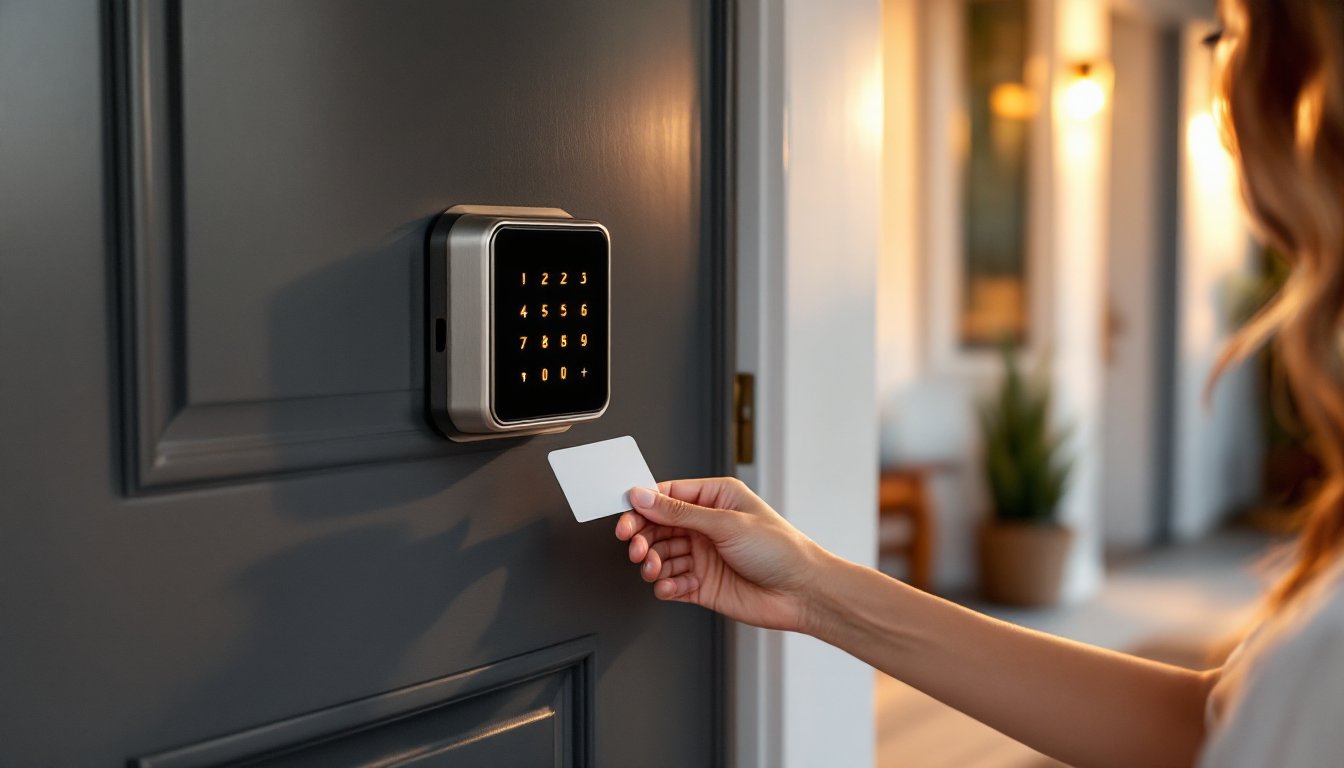
Hotel smart locks, those sleek, keycard-operated devices you tap to get into your room, are making their way into residential homes. They’re no longer exclusive to hospitality. Homeowners are discovering the appeal of keyless entry systems that offer multiple credential options, audit trails, and the ability to issue temporary access codes or RFID cards. But are they practical for a DIY installation? Do they meet residential security standards? And which models actually work well outside a commercial setting? This guide breaks down what hotel-style smart locks are, why they might fit your home, and how to install one without calling a locksmith.
Table of Contents
ToggleKey Takeaways
- Hotel smart locks offer multiple authentication options—including RFID keycards, PIN codes, and mobile apps—making them ideal for homes, rental properties, and vacation rentals without requiring constant internet connectivity.
- Enhanced security features like audit trails, temporary access codes, and anti-tamper alarms provide accountability and eliminate the cost of rekeying between tenants or guests.
- Most hotel smart locks can be DIY installed on standard residential doors with 2-1/8″ cross bore and 1″ latch bore in 30–60 minutes using basic tools, though metal doors or non-standard prep require professional locksmith help.
- Popular residential models like Yale Assure Lock 2, Schlage Encode Plus, and Lockly Vision Elite range from $250–$450 and support smart home integration with Apple Home, Google Home, and Amazon Alexa.
- Verify encryption standards (AES-128 or higher) and secure communication protocols when choosing a hotel smart lock to prevent credential cloning and ensure reliable offline operation in areas with poor Wi-Fi.
What Is a Hotel Smart Lock and How Does It Work?
A hotel smart lock is an electronic deadbolt or latch system designed to accept multiple forms of authentication, typically RFID keycards, PIN codes, mobile apps, or biometric scans. Unlike standard residential smart locks that rely primarily on Bluetooth or Wi-Fi and smartphone apps, hotel locks prioritize credential flexibility and offline operation.
Most hotel smart locks use MIFARE or RFID technology for keycard access. When a card is tapped or inserted, the lock reads the encrypted credential and grants entry if authorized. Some models also support NFC (Near Field Communication) for smartphone unlocking, along with a physical keypad for backup PIN entry. Higher-end units include Zigbee or Z-Wave radios for smart home integration.
The lock mechanism itself is usually a motorized deadbolt powered by four to six AA batteries housed in the interior escutcheon. Battery life ranges from six months to two years depending on usage frequency. When batteries run low, most models emit audible warnings and allow emergency power via a 9V battery held to external terminals.
One key difference from consumer-grade smart locks: hotel locks often operate in standalone mode without requiring a hub or constant network connection. Credentials are programmed directly into the lock via an encoding station or mobile app, then stored in the lock’s onboard memory. This offline capability makes them reliable in areas with poor Wi-Fi but can complicate remote management unless the model includes a gateway option.
Key Benefits of Installing Hotel-Style Smart Locks at Home
Enhanced Security Features
Audit trails are the standout security feature. Most hotel smart locks log every entry attempt, successful or failed, with a timestamp and credential identifier. If you’re managing a rental property, vacation home, or Airbnb, this creates accountability. You’ll know exactly when cleaning staff, contractors, or guests accessed the property.
Temporary credentials let you issue time-limited access without handing out physical keys. Generate a PIN code valid only for a three-day window or program an RFID card that expires after checkout. This eliminates the risk of unreturned keys and the cost of rekeying locks between tenants.
Many models include anti-tamper alarms that trigger if someone attempts to forcibly remove the lock or repeatedly enters incorrect codes. Some feature auto-locking deadbolts that engage after a set delay (usually 5–30 seconds), ensuring the door is never left unlocked.
Encryption standards matter. Look for locks that support AES-128 encryption or higher for credential transmission. This prevents cloning or replay attacks on RFID cards. If the lock integrates with a smart home system, verify it uses secure communication protocols like TLS 1.2+ or Z-Wave S2 security.
Keyless Convenience for Family and Guests
No more hiding spare keys under doormats or coordinating key handoffs. Family members each get their own unique PIN code or RFID card, making it easy to track who comes and goes. Kids can’t lose a keycard the way they lose physical keys, and if they do, you deactivate it instantly through the app or management interface.
For short-term guests, hotel locks shine. Generate a one-time code or program a card on the spot. Many residential models now include smart lock features that allow remote credential generation via smartphone app, so you can grant access even when you’re out of town.
If you run a vacation rental or multifamily property, hotel locks streamline turnover. No need to meet every guest for key exchange or worry about lockbox combinations being shared online. Codes reset automatically after checkout, and you can schedule access windows down to the hour.
Top Hotel Smart Lock Models for Residential Use
Yale Assure Lock 2 with RFID Module combines a backlit keypad, optional RFID card reader, and app control. It fits standard residential door prep (2-1/8″ cross bore, 1″ latch bore) and integrates with Apple Home, Google Home, and Amazon Alexa via the Yale Access app. Battery life averages 12 months on four AA batteries. The RFID module is sold separately but supports up to 25 keycards. Retail price runs $250–$300 depending on finish and connectivity module.
Schlage Encode Plus offers built-in Wi-Fi (no hub required) and supports both PIN codes and optional RFID card readers. It’s compatible with Apple Home Key, letting iPhone and Apple Watch users unlock the door via NFC. The lock uses a commercial-grade motorized deadbolt rated for 10,000+ cycles. Installation fits standard door prep with a 1″ to 1-1/2″ door thickness range. Expect to pay $280–$330.
Lockly Vision Elite adds a built-in HD camera and two-way audio to the smart lock, making it a full door security hub. It accepts PIN codes, fingerprint scans, RFID cards, and mobile app access. The lock’s offline PIN feature is especially useful, it generates one-time codes via the app that work even without internet. Installation requires a 2-1/8″ cross bore and ships with both deadbolt and passage latch options. Price point sits around $400–$450.
TTLock-based systems (sold under various brand names like Smonet, Pineworld, and Harfo) are budget-friendly options popular in the Airbnb market. These models support RFID cards, PIN codes, and app control via Bluetooth or Wi-Fi gateway. They typically cost $80–$150 but lack the build quality and encryption standards of name-brand locks. Battery life is shorter, four to six months, and customer support can be inconsistent.
For a comparison of current models and detailed reviews, check out the latest smart lock roundups that test durability, battery performance, and app reliability.
DIY Installation Guide: Can You Install a Hotel Smart Lock Yourself?
Yes, if your door already has a deadbolt and uses standard residential prep dimensions. Most hotel-style smart locks are designed to retrofit existing 2-1/8″ cross bore holes and 1″ edge bore holes (the hole for the latch). If your door meets those specs, installation takes 30–60 minutes with basic tools.
Tools and materials you’ll need:
- Phillips and flathead screwdrivers
- Tape measure
- Drill with 2-1/8″ hole saw (only if modifying door prep)
- Wood chisel (for mortising strike plate if needed)
- Pencil
- Level
- Four to six AA batteries (usually included)
- RFID cards or app-enabled smartphone
Step-by-step installation:
-
Remove the existing deadbolt. Unscrew the interior and exterior escutcheons, pull out the deadbolt assembly, and remove the latch from the door edge.
-
Check door thickness and backset. Measure door thickness (standard is 1-3/8″ to 1-3/4″) and backset (distance from door edge to center of bore hole, typically 2-3/8″ or 2-3/4″). Confirm your new lock supports these dimensions. Most adjust via an included adapter plate.
-
Install the latch. Insert the new latch assembly into the edge bore. Some locks use a split-spindle design (exterior and interior operate independently), so follow the manufacturer’s orientation markings. Secure with the provided screws. Use a chisel to deepen the latch mortise if the faceplate doesn’t sit flush.
-
Mount the exterior escutcheon. Feed the cable (if the model uses a wired connection between exterior and interior) through the bore hole. Align the exterior unit and loosely attach with mounting screws. Don’t overtighten yet, you’ll adjust alignment after the interior is in place.
-
Attach the interior escutcheon. Connect any cables or ribbon connectors per the manual (this varies by model). Insert batteries into the battery compartment. Align the interior unit with the mounting posts from the exterior, then secure with the provided screws. Tighten evenly to avoid binding the deadbolt mechanism.
-
Test mechanical operation first. Before programming credentials, manually extend and retract the deadbolt using the interior thumbturn or motor button. The bolt should move smoothly without resistance. If it binds, loosen screws slightly and adjust alignment.
-
Install the strike plate. Most smart locks include a reinforced strike plate. Center it on the door frame, mark screw holes, and drill pilot holes. Secure with the long screws provided (usually 3″) to reach the door frame stud for added security.
-
Program the lock. Follow the manufacturer’s process to add an admin code, enroll RFID cards, or pair the lock with your smartphone app. This usually involves pressing a program button on the interior unit and entering a master code or scanning cards in sequence.
-
Test all credentials. Verify that PIN codes, keycards, and app unlock methods all work from the exterior before closing the door. Check auto-lock timing if enabled.
When to call a pro: If your door is metal, has non-standard bore sizes, or lacks existing deadbolt prep, hire a locksmith. Metal door modifications require specialized tools and can void lock warranties if done incorrectly. Also, if you’re installing locks on a commercial property or rental unit, local code may require professional installation and fire marshal approval, especially for locks on egress doors.
For additional guidance on choosing the right lock, recent smart lock comparisons can help narrow down features that matter most for your home setup.
Conclusion
Hotel smart locks bring commercial-grade access control into residential settings without the complexity of enterprise systems. They’re especially practical for rental properties, multi-generational homes, or anyone tired of managing physical keys. Installation is DIY-friendly on standard doors, though metal doors or non-standard prep may require a locksmith. Focus on models with strong encryption, reliable offline operation, and credential flexibility that matches your household’s needs.





